Do you find your self updating the Facebook live video link and/or YouTube live embedded code on many places every Sunday for church?, do you get busy preparing for last minute (literally) changes very often and forget doing other things?
If the answer to those questions is yes, you are not alone. Many of us have experience this at some point.
It is always better if you need to do less things and prevent things going wrong, and in the case of Live Streaming videos this is the case when you want to tell people on your congregation to go a watch it. We keep sending different custom links or embedding a different custom link every Sunday. If you are doing this, there is nothing wrong with it, but it is time consuming and lets say that you forget to update the embedded code on one of the platforms we as churches use, then people will most likely end up watching the previous video and not the Live Stream.
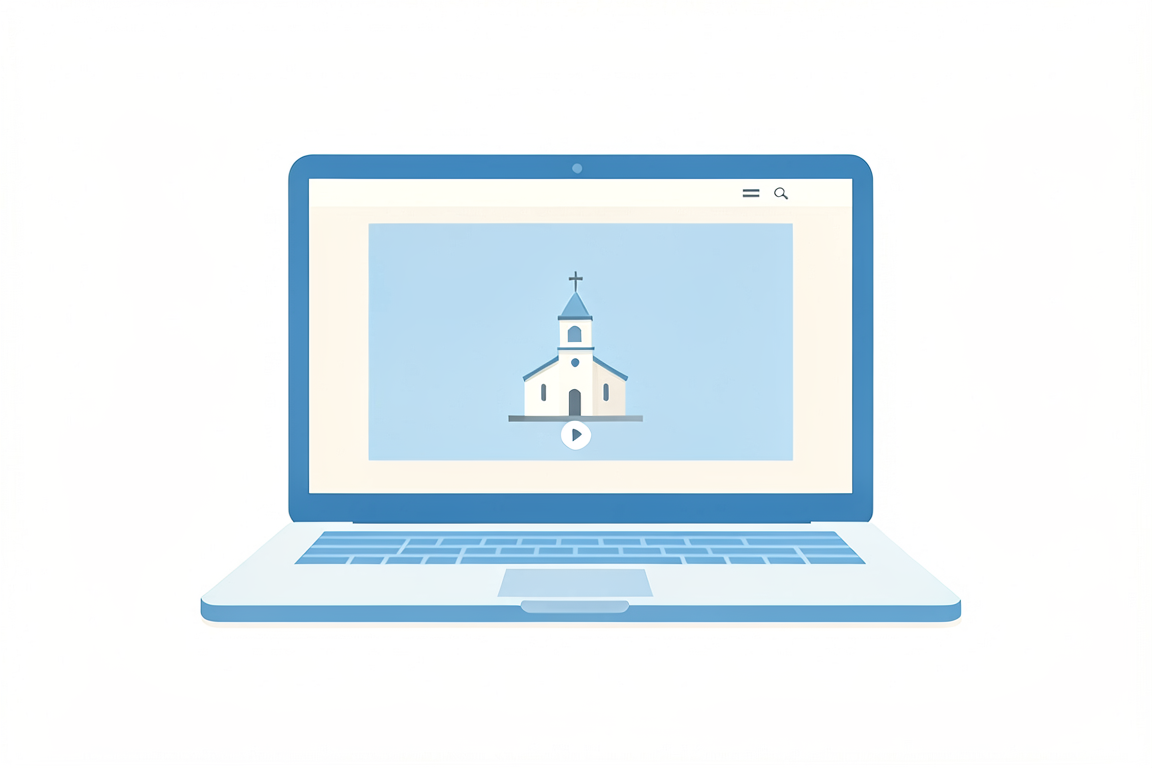
We also need to make things a lot easier for people to remember and easy to use, and that’s why a good way to fix this, is to have a dedicated page on your church’s website where the only think you have are the links that would look like
For YouTube: https://www.youtube.com/channelname/live
For Facebook: https://www.facebook.com/pagename/videos
Please note the URL part in bold, for YouTube this will take your church members always to your Live Stream, and for Facebook it will take them to the videos tab when your Live Stream will be at the top.
This way you will not have to worry about updating links or embedded code for every service and people will have a one single point of reference (URL) which they will potentially remember next time they want to access your Church Live Stream.